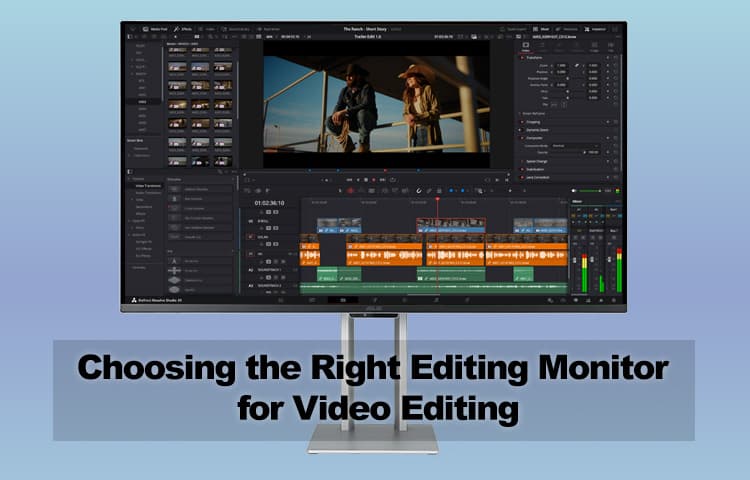
Choosing the Right Editing Monitor for Video Editing
When it comes to video editing, your editing monitor is more than just a display. It's the window into your project. Every color correction, every cut, and every transition you make is guided by what you see on the screen. Whether you're working on a custom PC built specifically for creative work or upgrading your existing setup, choosing the right monitor isn't just about preference. It's essential to your workflow.
Resolution
The first thing to consider is resolution. If you're editing in 4K, working on a 1080p screen means you won't be able to view your footage in its native detail. An editing monitor that matches or exceeds the resolution you're editing in lets you preview your work as your audience will see it. Even if you're primarily working in 1080p, investing in a higher resolution display can help future proof your setup and give you more desktop real estate for tools and panels. Many custom gaming PCs already have the GPU power to drive high resolution displays, making them excellent foundations for video editing workstations.
Color Accuracy
Resolution may be the most obvious specification, but color accuracy is just as critical. Different panel technologies (IPS, VA, TN) offer different strengths, but for video editing, IPS panels are generally favored for their wide viewing angles and superior color reproduction. You'll also want to check if the monitor supports wide color gamuts (like AdobeRGB or DCI-P3) and whether it can be calibrated. You don't want to spend hours balancing colors only to discover your screen was lying to you the whole time.
Comfort and Workflow Considerations
Practical specifications are only half the story. Comfort matters, too. A higher refresh rate can make scrubbing through footage and navigating your editing software feel smoother, reducing eye strain during long sessions. Screen size also plays a role: a larger display gives you more room for detail, while an ultrawide monitor provides horizontal space for sprawling timelines and media bins. For editors constantly juggling dozens of clips, that extra width can make a real difference.
The Case for Multiple Monitors
Don't underestimate the power of a multi monitor setup. While your main monitor should handle the heavy lifting of displaying your edits, a second (or even third) screen can free up space for tools, folders, or communication apps. Keeping your workspace uncluttered helps you stay focused on the creative process instead of fighting with overlapping windows.
Final Thoughts
A great editing monitor won't automatically make you a better editor, but it will make your job easier. Prioritize resolution to match your workflow, color accuracy to ensure your edits look the way you intend, and comfort features that keep long editing sessions bearable. Whether you go with a single high end display or a more practical multi monitor arrangement, the key is to build a setup that supports your creativity rather than holding it back. And if you're building a custom PC from scratch or upgrading your custom gaming PC for creative work, remember that the monitor deserves just as much attention as the components inside the case.


Intel Core Ultra 200S Plus Benchmarks